

Best Rust Settings for PVP

Table of Contents
Mastering the best settings for Rust PvP can dramatically enhance your combat effectiveness — improving frame rates, visibility, and responsiveness.
This guide covers the best Rust graphics settings for PvP and other crucial optimizations to help you dominate in player battles.
Graphics Settings for PvP
Setting
Recommended Value
Benefit
Graphics Quality
0 or 1
Max FPS advantage
Shadow Quality
0
Removes distractions, boosts FPS
Anisotropic Filtering
Off
Higher frame rates
Anti-Aliasing
Off or FXAA
Minimal performance cost
Draw Distance
2000–2500
Balanced visibility
Water Quality
0
Less resource usage
Shader Level
600
Clarity without FPS loss
Max Gibs
0
Less clutter in fights
Motion Blur
Off
Clearer target tracking
✅ These Rust best settings for PvP ensure smooth gameplay while keeping enemies visible.
Field of View (FOV)
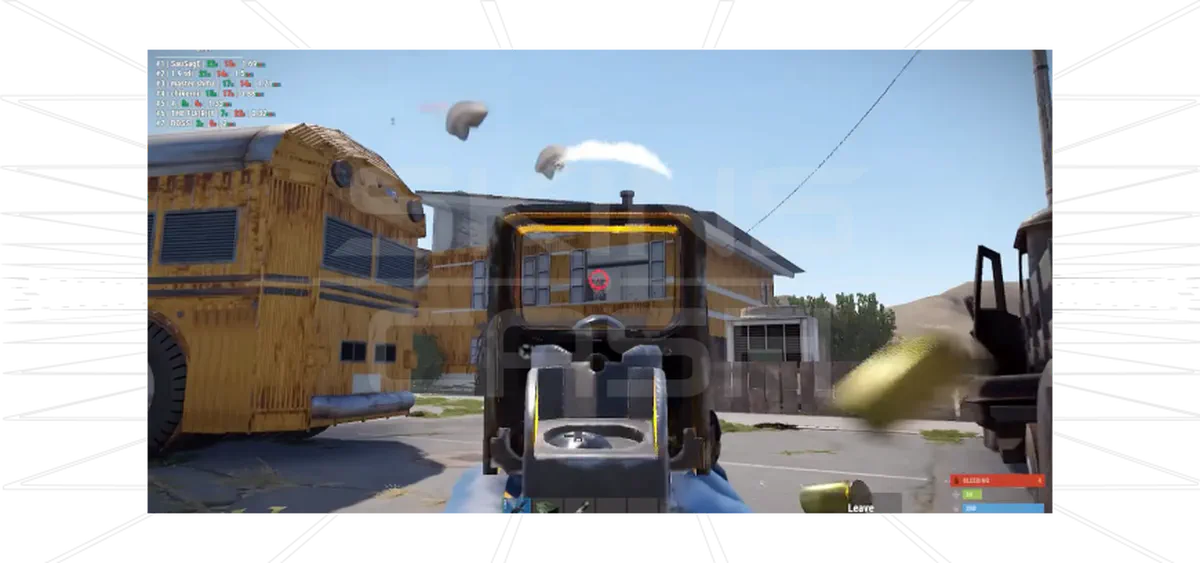
- Set to 90–95 → Increases situational awareness without excessive distortion.
Input & Sensitivity Settings
Setting
Recommendation
Mouse Sensitivity
0.2–0.5 (low = more accuracy)
DPI
400–800 for precise aim
Scoped Sensitivity Multiplier
0.8–1.0
Mouse Polling Rate
1000Hz for minimal input lag
Audio Settings
Setting
Recommendation
Master Volume
100% (adjust in system)
Game Sounds
80–100%
Voice Chat
0–50%
Ambient Sound
0%
Instrument Sounds
0%
🎧 Tip: Use high-quality headphones with surround sound for better positional awareness.
Network Settings
- Max Ping: 150–200 (better server connection)
- NVIDIA Reflex: Enabled + Boost (for NVIDIA GPUs)
- Client Prediction: Enabled (smoother movement and aiming)
Crosshair Settings
- Use custom crosshair overlays via NVIDIA Freestyle or third-party software.
- A static crosshair improves aim precision in PvP.
Keybind Optimization
Action
Binding Suggestion
Auto Run
Easily accessible key
Crouch Toggle
Hold mode
Interact
Default, but ensure quick access
Weapon Hotkeys
1–4 for instant switching
Jump & Crouch
Mouse side buttons for evasive maneuvers
Сonclusion
Applying the best settings for Rust PvP can:
- Increase FPS and responsiveness.
- Improve target tracking.
- Enhance combat efficiency.
Fine-tuning graphics, audio, controls, and keybinds** provides a competitive edge in every fight.


